Your entire team, structured and in control.
Manage all team members, roles, and reporting relationships in one place. Get a clear view of your organisation's structure, activity, and access without relying on scattered tools or manual tracking.
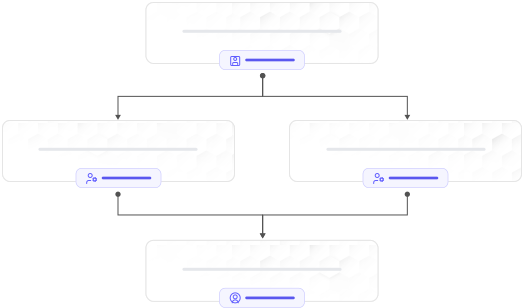
Add team members, define roles, control what every person can see and do — Zippix gives your firm a clean, structured access system that grows with your team without creating security gaps.
Role-Based
Access Control
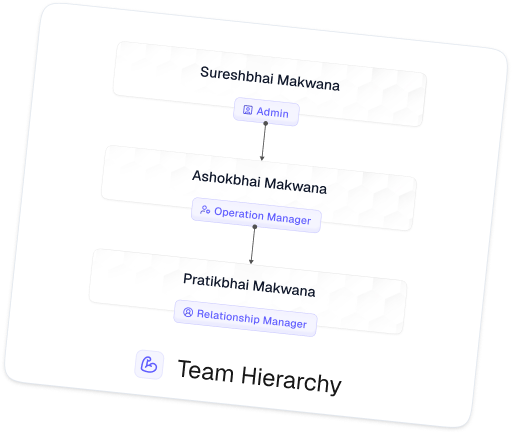
Reporting
Hierarchy
Module-Level
Permissions
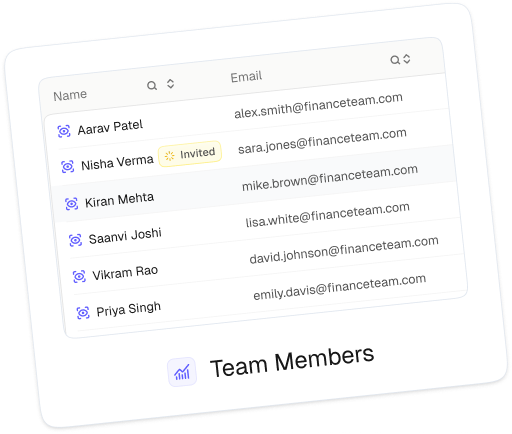
Active Member
Management
Manage all team members, roles, and reporting relationships in one place. Get a clear view of your organisation's structure, activity, and access without relying on scattered tools or manual tracking.
Onboard new members by assigning roles, teams, and reporting managers instantly. Ensure every individual is set up with the right structure from day one.
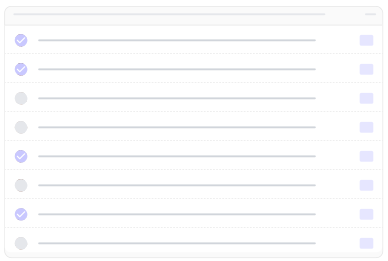
Control visibility across clients, data, and workflows based on hierarchy. Ensure sensitive information is accessible only to the right people at the right level.
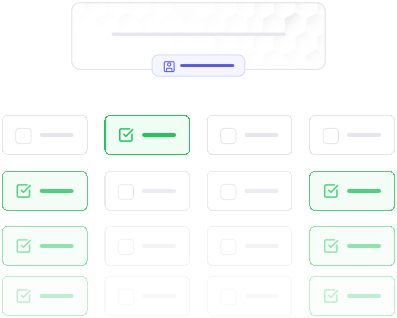
Easily manage changes such as role updates, team shifts, or member transitions. Maintain consistency without disrupting existing workflows or access.

Visualise reporting lines, team distribution, and role relationships. Get clarity on how responsibilities flow across your entire organisation.

Define access levels based on roles and responsibilities. Ensure every action - viewing, editing, or managing - is aligned with your firm's structure.
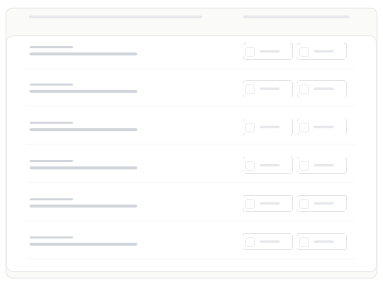
Assign permissions at a module level to control who can view or act within each area. Balance flexibility with security across your system.
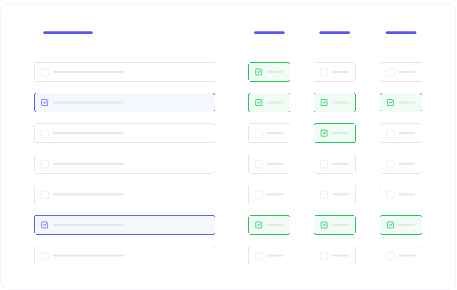
Create structured roles that define responsibilities and access clearly. Ensure consistency in how permissions are applied across your organisation.
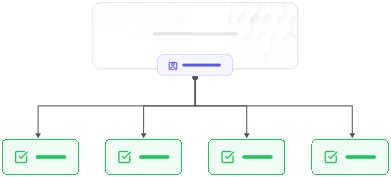
Apply changes in real time without delays or system disruptions. Ensure your team always operates with the correct access and visibility.
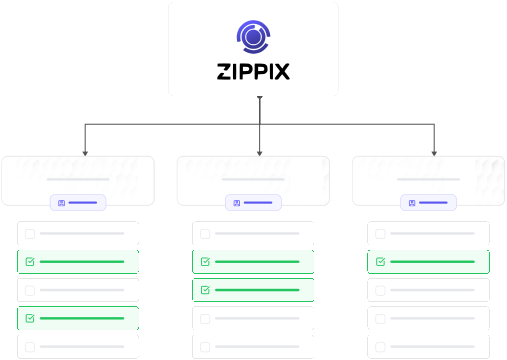
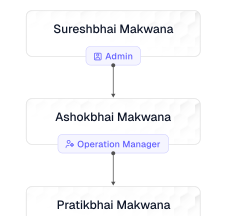
Reporting Manager
Assign clear reporting lines. Built-in accountability from day one.

Member Status
Deactivate access without losing history. Clean and controlled offboarding.

Role Descriptions
Define every role with clear context and purpose. Help teams understand responsibilities from the start. Clarity across admins, managers, and new members.
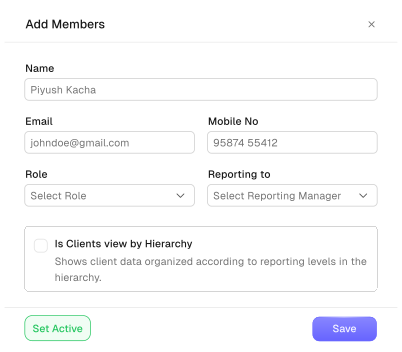
Reinvite Members
Resend pending invites in one click. No manual follow-ups or repeated setup. Keep onboarding smooth and uninterrupted.